


Description
Download Supereasy Video Converter – video converter, convert video, video format, convert to mp4, download video from streaming sites, video tool, mobile app, utility, productivity app, smartphone
Overview
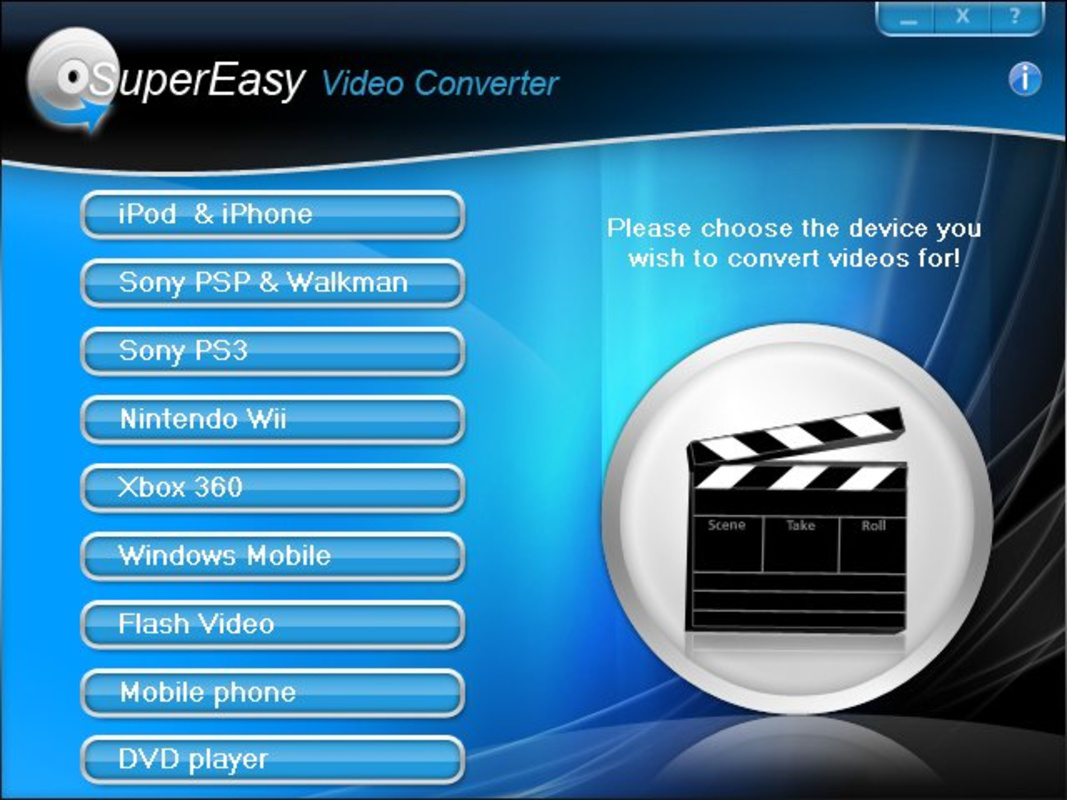
Supereasy Video Converter is a mobile application developed by Supereasy, designed to simplify the process of converting video files across a broad spectrum of formats. The app targets users who need to adapt video content for playback on various devices, including gaming consoles such as Xbox360, PlayStation 3, Wii, and mobile platforms like iPhone, PSP, and Windows Mobile. Its primary function is to ensure media compatibility, enabling users to enjoy their videos on preferred devices without technical barriers. The app also supports direct downloading of streaming videos, a feature that enhances its utility for offline viewing. This dual functionality—conversion and downloading—positions Supereasy Video Converter as a practical tool within the productivity and utility category. The app is particularly beneficial for individuals who frequently transfer media between devices, manage personal video libraries, or want to preserve online content for later access. Despite being released in 2010, the app remains relevant due to its straightforward approach and focus on core functionality. The developer did not provide additional technical details, and specific requirements were not listed. However, its continued presence in the Android ecosystem suggests a stable and functional design. Supereasy Video Converter fills a niche by offering a lightweight, free solution for users seeking a no-frills video conversion experience.
Key Features & Functionality
- Wide Format Support: The app supports conversion across nearly all common video formats, allowing users to transform files into versions compatible with specific devices, such as MP4 for mobile phones or AVI for older systems. This ensures seamless playback regardless of the target platform.
- Streaming Video Downloading: Users can download videos directly from streaming platforms through the app’s interface, eliminating the need for third-party tools. This is especially useful for saving content from online sources for offline viewing.
- User-Friendly Interface: Designed with simplicity in mind, the app features an intuitive layout that enables even non-technical users to navigate and perform conversions with minimal effort. The workflow is streamlined, reducing the learning curve significantly.
- High-Quality Output: Conversion results maintain strong visual fidelity, preserving resolution and audio clarity. This makes the app suitable for both casual users and those requiring professional-grade output.
- Device Compatibility: The app ensures that converted videos are optimized for playback on a variety of devices, including gaming consoles, smartphones, and portable media players, reducing the need for multiple conversion tools.
For example, a user could convert a high-resolution video from a digital camera to MP4 format for easy sharing on a smartphone. Another might download a tutorial video from a streaming site and convert it for offline access during travel. These use cases demonstrate the app’s practical value in everyday digital media management.
Interface, UX & Performance
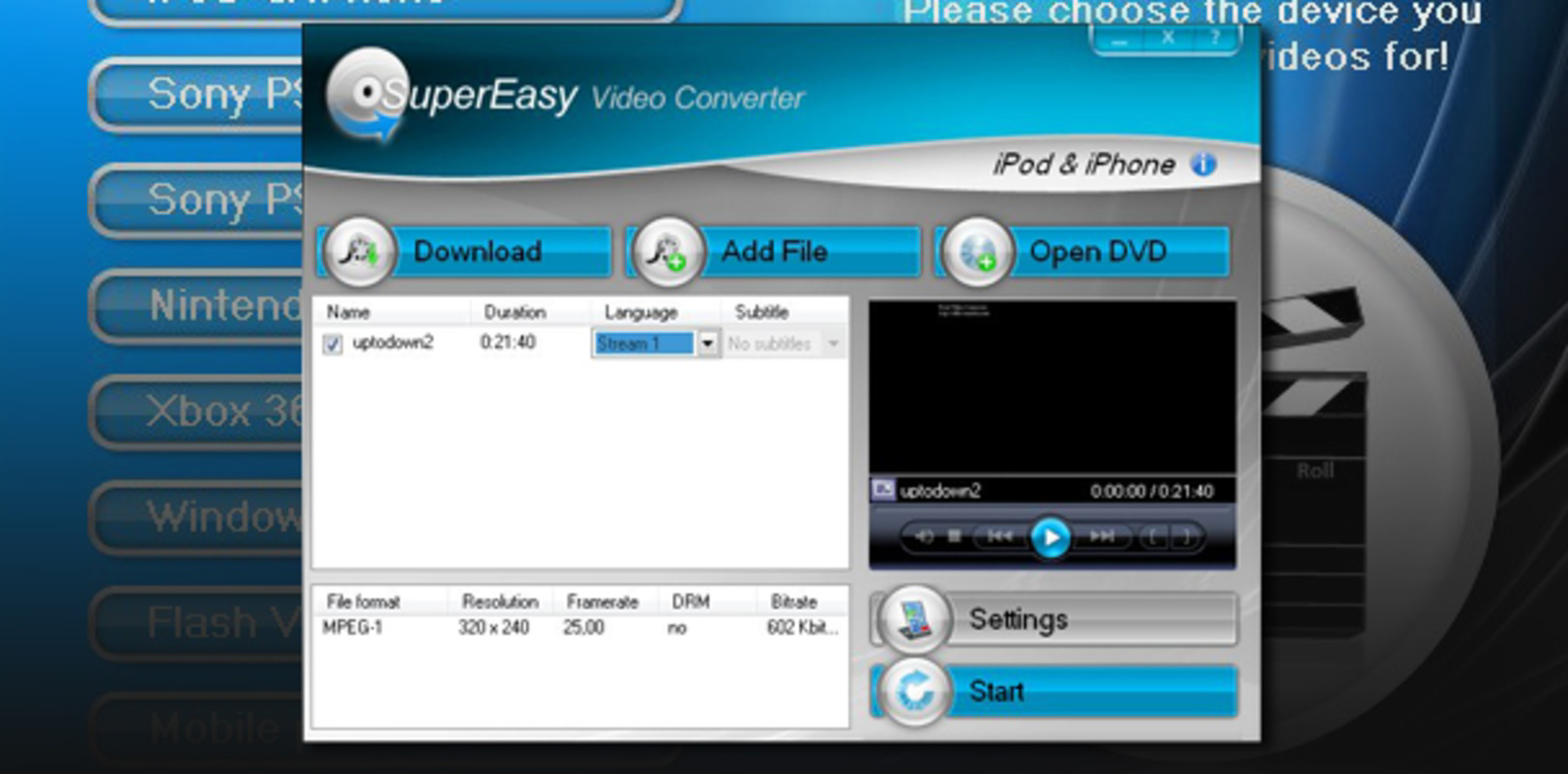
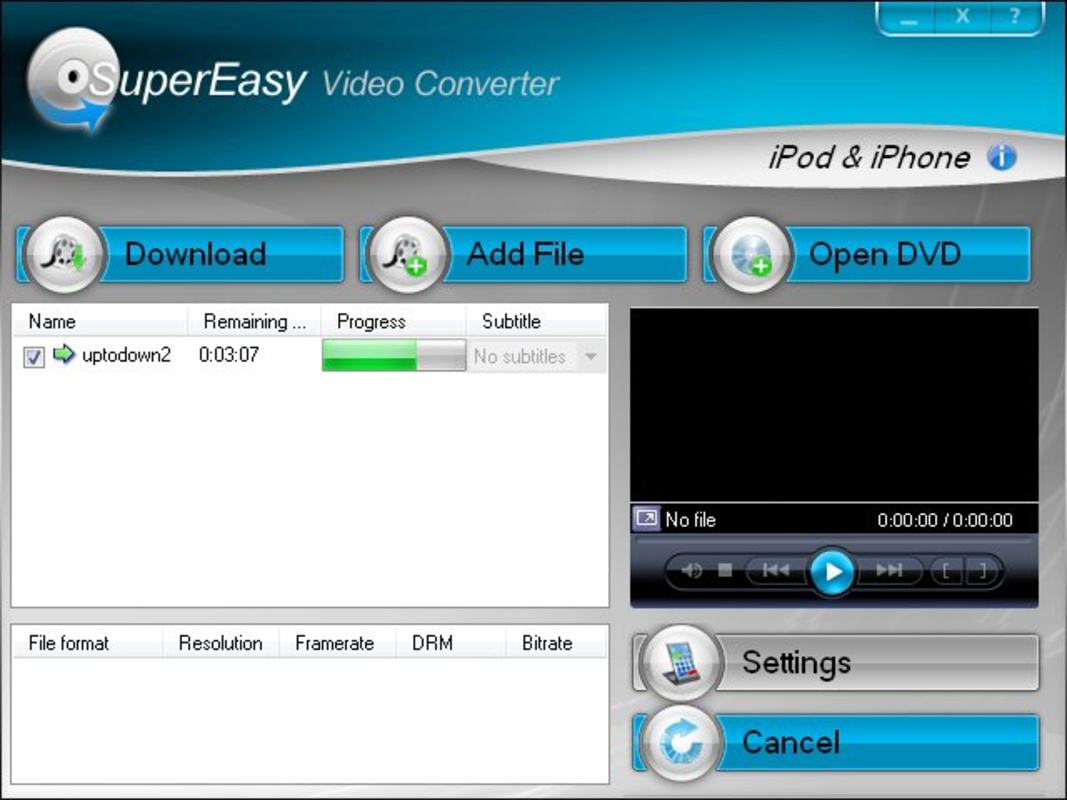
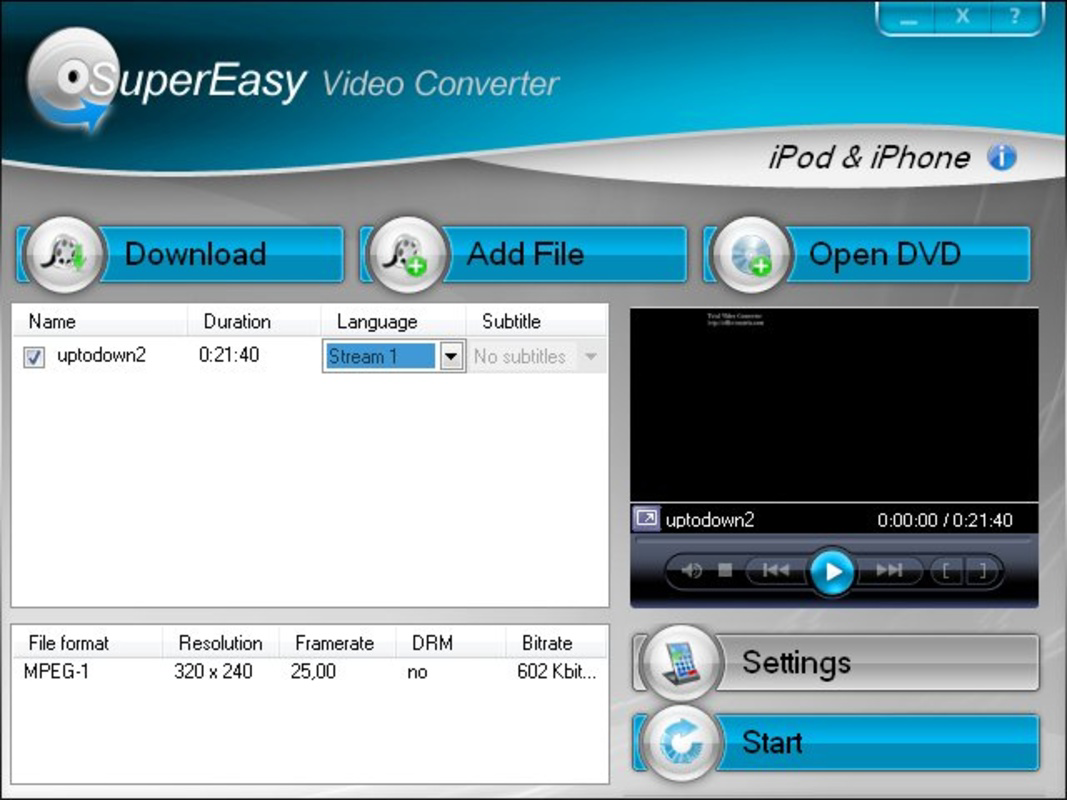
The user interface of Supereasy Video Converter is designed for accessibility, featuring a clean layout with clearly labeled buttons and straightforward navigation. The app’s visual style prioritizes functionality over aesthetics, ensuring that users can focus on the conversion process without distraction. Navigation is linear and predictable, with minimal onboarding required. Users can typically add a video, select a target format, and initiate conversion with just a few taps. Although the developer did not list formal performance metrics, the app’s lightweight size of 15.2 MB suggests efficient resource usage. It is likely optimized for a range of Android devices, including lower-end models. Responsiveness appears consistent, with minimal lag during file selection and conversion tasks. Stability is implied by the app’s long-standing availability since 2010, though no official updates have been released since version 2.0.4. The developer did not specify minimum OS requirements, so compatibility with modern Android versions cannot be confirmed. However, the app’s continued functionality on older systems indicates resilience. Overall, the UX is efficient for its intended purpose, offering a reliable experience for users focused on quick and accurate video conversion.
Platform Compatibility & Technical Requirements
Supereasy Video Converter is available exclusively on the Android platform. The current version is 2.0.4, with a file size of 15.2 MB. The app is offered free of charge, making it accessible to a broad audience. While the developer did not specify minimum OS requirements or compatibility details for newer Android versions, the app’s release date in 2010 suggests it may not support the latest operating system features. Users should exercise caution when installing on modern devices, as compatibility with recent Android versions (e.g., Android 12 and above) is uncertain. The developer did not provide additional technical specifications, such as required RAM, processor type, or storage space. The absence of detailed requirements means users should test the app on their device to confirm functionality. Despite these limitations, the app’s lightweight footprint may allow it to run on a wide range of Android devices, including those with limited hardware capabilities.
Pros and Cons
Pros
- Free to download and use, making it accessible for budget-conscious users.
- Supports conversion across a wide range of video formats for device compatibility.
- Includes direct streaming video downloading functionality.
- Simple, intuitive interface suitable for non-technical users.
- Produces high-quality output with minimal loss in resolution or audio.
Cons
- Latest version released in 2010; no updates since, raising compatibility concerns.
- Developer did not provide minimum OS or device requirements.
- May not function optimally on newer Android versions without updates.
- No official support for iOS or other platforms.
- Limited information on performance, stability, or security practices.
FAQ
Is Supereasy Video Converter safe to use?
The app is free and available on Android, but due to the lack of recent updates and developer transparency, users should exercise caution when downloading from third-party sources. Always verify the source before installation.
Can I convert videos to MP4 format?
Yes, the app supports conversion to MP4, among many other formats, making it suitable for playback on smartphones, tablets, and media players.
Does the app work on iOS devices?
No, the app is only available for Android. There is no official version for iOS or other platforms.
How do I download videos from streaming sites?
Use the app’s built-in interface to input the streaming video URL and initiate the download process. The exact method may vary depending on the site’s restrictions.
Is the app regularly updated?
The latest version, 2.0.4, was released in 2010. No updates have been published since, so the app is considered outdated by current standards.
Final Thoughts
Supereasy Video Converter remains a functional tool for users seeking a straightforward solution to video conversion and downloading. Its lightweight design, broad format support, and free access make it a compelling option for those managing media across multiple devices. While the lack of recent updates and unclear compatibility with modern Android systems presents a risk, the app’s core functionality remains intact for older devices. It is particularly valuable for users who prioritize simplicity and do not require advanced features. For individuals managing personal video libraries or saving online content for offline use, this app offers a reliable, no-cost utility. However, users on newer Android versions should test the app carefully before relying on it for critical tasks. The enduring presence of the app in the Android ecosystem speaks to its foundational utility. Download Supereasy Video Converter now.
Guides & Tutorials for Supereasy Video Converter
How to install Supereasy Video Converter
- Click the Preview / Download button above.
- Once redirected, accept the terms and click Install.
- Wait for the Supereasy Video Converter download to finish on your device.
How to use Supereasy Video Converter
This software is primarily used for its core features described above. Open the app after installation to explore its capabilities.
User Reviews for Supereasy Video Converter 0
No reviews found


